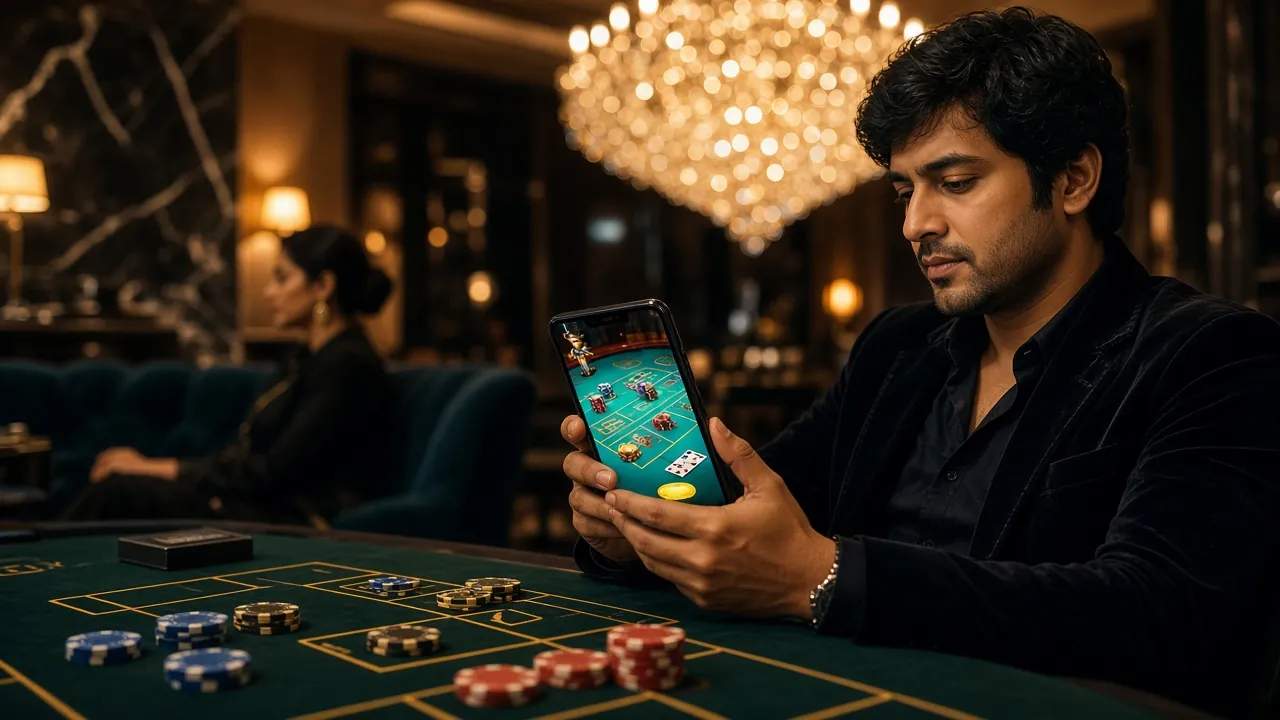
rkf99 App – Install in Minutes, Play Anywhere
The rkf99 app brings slots, live tables, cricket betting and crash games to your Android phone. No Play Store. Free download. bKash and Nagad deposits work right inside the app.
- SSL Encrypted
- 18+ Only
- 24/7 Support
- bKash · Nagad
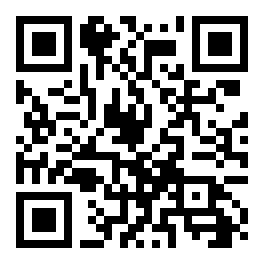
Scan to download on your phone
How to Install the rkf99 App on Android
The whole process takes under three minutes. No Play Store account needed.
-
1
Allow installs from unknown sources
On your Android phone, open Settings → Security (some phones call it Privacy). Find "Install unknown apps" and toggle it on for your browser or file manager. This is a one-time setting and you can turn it off again after the install is done. Without this step, Android will block the APK.
-
2
Tap "Download APK" and wait
Hit the green Download APK button on this page. The file rkf99.apk (36 MB) will save to your phone's Downloads folder. On a standard bKash-topped-up mobile data connection the download finishes in about 30–60 seconds. Keep the screen on while it downloads.
-
3
Open the APK file
Pull down your notification bar and tap the completed download notification, or open your Files / My Files app and navigate to Downloads → rkf99.apk. Tap it to begin the installation wizard. Android will show you a permissions summary before proceeding — scroll through and tap Install.
-
4
Wait for the install to finish
The install takes about 10–15 seconds. When you see "App installed", tap Open to launch the rkf99 app immediately. The rkf99 icon will also appear on your home screen and app drawer so you can get back quickly next time.
-
5
Log in or register to start playing
If you already have an rkf99 account, enter your phone number and password on the login screen. New players can tap Register inside the app — it only takes about 90 seconds. Your bKash or Nagad deposit of at least ৳100 will credit in under 5 minutes. Need help creating your account? See the rkf99 Register guide.
iOS Users – Add to Home Screen
- Open rkf99.lat in Safari on your iPhone or iPad.
- Tap the Share icon (box with arrow) at the bottom of the browser.
- Scroll down and tap "Add to Home Screen".
- Tap Add. The rkf99 shortcut now lives on your home screen like a native app.
The iOS web app supports all games, bKash/Nagad deposits and live chat — the same full experience as Android.
Everything Inside the rkf99 App
All game categories from the full site, optimised for touch screens and slower mobile connections.
Slots on the Go
Play Fortune Tiger, Aladdin, Jungle King and hundreds more slot titles directly from your phone. The app loads game thumbnails faster than a mobile browser and remembers your last session. Minimum bet from ৳2 — fits any commute budget.
Live Casino Tables
HD streams of real dealers running Baccarat, Blackjack and Roulette, powered by Evolution and Sexy Gaming. The rkf99 app buffers the stream smoothly even on 4G. Single Deck Blackjack starts at ৳10 per hand — no waiting for a free seat.
Cricket & Sports Betting
BPL, IPL, T20 and ODI matches with live in-play odds updating in real time inside the app. Place bets between overs — the app keeps you logged in so you never lose your slip. Check rkf99 Casino for the full sports schedule.
Crash & Instant Games
JetX, Aviator-style crash rounds and instant win games load in one tap. The app shows the multiplier curve in full size on a 6-inch screen — easier to watch than a browser tab. Cash out with one touch before the round ends.
bKash & Nagad Deposits
Switch from your game to the rkf99 deposit screen without leaving the app. Supported methods: bKash, Nagad, Rocket, Upay and Bank Transfer. Minimum deposit ৳100. Funds arrive in under 5 minutes. No extra app-only fees.
Live Chat Support
24/7 live chat is built into the rkf99 app — tap the help icon from any screen. Response times in the app are typically faster than through a browser. Report deposit issues, ask about withdrawals or verify your KYC documents without switching tabs.


What the rkf99 App Asks For — and Why
The app requests only what it needs to work. Here is what each permission does.
Internet Access
Required for loading games, streaming live dealer video and connecting to the rkf99 payment gateway. The app does not use your connection for anything else. All data is encrypted using TLS 1.3 — the same standard that banks use.
Camera (Optional – KYC Only)
Camera access is only requested if you choose to verify your identity using the in-app KYC flow — snapping a photo of your NID or Passport. The app does not access the camera at any other time and does not store photos on its own servers beyond what is needed for the KYC review.
SSL Certificate Pinning
The rkf99 app pins its SSL certificate, which means it will refuse to connect if it detects a man-in-the-middle attempt. Your login credentials and payment details are never sent in plain text. You can verify the certificate inside the app under Settings → Security Info.
Push Notifications (Optional)
The app can send you alerts for deposit confirmations, withdrawal status updates and reload bonus offers. You can toggle individual notification types on or off under Settings → Notifications at any time. Opting out does not affect your ability to play.
rkf99 App Version & System Requirements
Everything you need to know before you download — no guesswork.
| File Name | rkf99.apk |
|---|---|
| Version | 3.0.5 |
| File Size | 36 MB |
| Platform | Android |
| Minimum Android | 7.0 (Nougat) |
| Last Updated | 10 November 2026 |
| Price | Free |
| Languages | English / Bangla |
| Download URL | /download/rkf99.apk |
Before You Download
- Your phone must run Android 7.0 or higher. Check under Settings → About Phone.
- You need at least 50 MB of free storage for the APK and app data.
- A stable connection — Wi-Fi or 4G — avoids a corrupt download.
- Always download from rkf99.lat only. Third-party sites may distribute modified APKs.
- To update: download the latest APK from this page and install it over the existing app. Your account and balance are saved on the server.
- 1,500+
- Games
- 5 min
- Deposit
- 24/7
- Support
rkf99 App or Browser — Which Is Better for You?
Both work. Here is an honest comparison so you can choose.
| Feature | Browser (Chrome / Firefox) | rkf99 App v3.0.5 |
|---|---|---|
| Install required | No – open and play | 36 MB one-time install |
| Works on Android 7+ | Yes | Yes |
| Works on iOS | Yes via Safari | Add-to-Home only |
| Push notifications | Not available | Deposits, bonuses, results |
| Live game loading speed | Standard browser speed | Faster — cached assets |
| bKash / Nagad in-app | Redirect to mobile banking app | Same redirect, smoother flow |
| Stays logged in | Depends on browser cookie settings | Persistent session |
| Live chat support | Available | Built in, one tap away |
| Offline access | Internet required | Internet required |
Bottom line: if you play on Android regularly, the app is worth installing for the persistent login and push alerts alone. If you are just checking in occasionally or using an iPhone, the browser version is fully capable. Already have an account? Log in here.
Install Problems — What They Mean and How to Fix Them
Most APK install errors have a one-step fix. Use this table before contacting support.
| Problem | Likely Cause | Solution |
|---|---|---|
| "Install blocked" message | Android's "Unknown sources" setting is off for your browser or file manager app. | Go to Settings → Security → Install unknown apps, find the app you used to open the APK (e.g. Chrome), and enable it. Then tap the APK file again. |
| "Parse error" or "package problem" | The APK file did not download completely — the file is corrupt. | Delete the partial rkf99.apk from your Downloads folder. Re-download from this page on a stable Wi-Fi or 4G connection. Do not interrupt the download. |
| App crashes immediately after launch | Android version is below 7.0, or the phone has less than 1 GB of free RAM. | Check Android version under Settings → About Phone. If it is below 7.0, use the browser version at rkf99.lat instead. Clear background apps to free RAM and try again. |
| "App not installed" at the end of the wizard | An older version of the rkf99 app from a different source is already installed and conflicts with the new one. | Go to Settings → Apps → rkf99 and uninstall the old version first. Your account data is stored server-side, so nothing is lost. Then install the new APK from this page. |
| Games load but crash mid-session | Device storage is almost full — the app cannot write temporary cache files. | Free up at least 200 MB of storage (delete old photos or unused apps). Then go to Settings → Apps → rkf99 → Storage → Clear Cache. Restart the app. If the problem continues, contact 24/7 live chat from inside the app. |
Download the rkf99 App — Free for Android
-
Under 60-second install
The APK is 36 MB. On a typical mobile data connection it downloads and installs in about one minute — no Play Store account or login required.
-
Works on Android 7.0 and above
Compatible with most phones sold in Bangladesh from 2017 onward. Version 3.0.5 is the current build — updated 10 November 2026.
-
bKash and Nagad built right in
Deposit and withdraw via bKash, Nagad, Rocket or Bank Transfer without leaving the app. Minimum deposit ৳100. Withdrawals arrive in about 37 minutes.
-
SSL-encrypted, free of charge
All traffic is TLS-encrypted. The app is free — no hidden fees. 24/7 live chat support is reachable directly from the app menu.
Scan to download on your phone
Questions About the rkf99 App
Answers to what players ask most before and after installing.
Is the rkf99 APK safe to install?
Yes — provided you download it directly from rkf99.lat/rkf99-app/. The APK is signed with the official rkf99 developer certificate. The app does not ask for SMS permissions, contacts or location data. It uses SSL certificate pinning so your login and payment traffic cannot be intercepted. As an extra check, you can scan the downloaded file with any reputable Android antivirus app before installing — it will come back clean.
What Android version does the rkf99 app need?
The minimum requirement is Android 7.0 (Nougat). Most phones sold in Bangladesh from 2018 onwards run Android 8 or higher, so this is rarely an issue. Check by going to Settings → About Phone → Android Version. If your phone is on Android 6 or below, use rkf99.lat in Chrome — the site is fully responsive and supports all games and payments.
How do I update the rkf99 app when a new version comes out?
Visit this page and download the latest APK — it will always be the current version. Install it directly over your existing app without uninstalling first. All your account data, balance and bet history are stored on the rkf99 servers, so nothing is lost. If you have push notifications enabled, the app will show an in-app banner when a new version is available. Version 3.0.5 was last updated on 10 November 2026.
Can I use bKash or Nagad to deposit through the app?
Yes. The rkf99 app supports all five payment methods — bKash, Nagad, Rocket, Upay and Bank Transfer. Tap the deposit icon inside the app, choose your method, enter the amount (minimum ৳100), and follow the prompt to your mobile banking app. The confirmation comes back to the rkf99 app automatically. Deposits typically credit in under 5 minutes. No additional fees are charged at the app level. For a step-by-step guide, see the rkf99 Deposit Guide.
Does the rkf99 app work on tablets?
Yes. The rkf99 app scales to larger Android screens including tablets. The game lobby adjusts its grid layout to show more columns on a wider display. Live dealer streams look particularly good on a 10-inch screen. The minimum Android version requirement (7.0) applies to tablets as well. If your tablet runs an older Android, use the browser version at rkf99.lat — it scales correctly on tablets too.
What should I do if the app asks me to log in again after every session?
This can happen if your phone's battery optimisation settings are aggressively killing background processes for the rkf99 app. Go to Settings → Battery → App Optimisation (the exact path varies by phone brand), find rkf99 in the list, and set it to "Don't optimise" or "Unrestricted". This lets the app keep your session token active. Alternatively, you can enable the "Remember me" option on the rkf99 login screen.
Is there a version of the rkf99 app for iPhone?
Apple does not allow APK files and the App Store is not an option for rkf99 at this time. iPhone and iPad users get the best experience by opening rkf99.lat in Safari and tapping Share → Add to Home Screen. This creates a shortcut that behaves like an app — full-screen, no browser bars. All games, bKash/Nagad payments and live chat work the same as on Android. For account setup, see the rkf99 Register page.
Ready to Play on Your Phone?
Download the rkf99 app now and get straight into slots, live casino and cricket betting. First deposit starts at ৳100 via bKash or Nagad.
18+ · Play Responsibly · Bangladesh players only